

Solid Explorer File Manager v3.5.8b MOD APK (Premium/All Unlocked)
By NeatBytes
Solid Explorer File Manager MOD APK, Manage files with dual panel interface and powerful organization tools. Premium unlocked and complete file control!
Version
3.5.8b
Updated
Jun 17
Requirements
5.1+
Published By
NeatBytes
Category
tools
Size
40 MB
Platform
Android
Get From
Google Play Store
Screenshots
MOD Info
Description
Introduction
Most Android users never interact with their file system directly, relying instead on app specific folders and cloud storage. Solid Explorer changes that by providing a desktop class file manager on mobile devices that actually respects power users who need real file management capabilities. The MOD APK version unlocks premium features that transform it from a capable file browser into a genuinely professional tool for managing documents, media, and application data across your entire device.
Why File Management Matters on Mobile
Your Android device stores thousands of files across different directories. Finding specific documents, organizing downloads, managing backups, and cleaning up duplicate files becomes increasingly difficult as your device accumulates data. A proper file manager gives you visibility into what actually exists on your device rather than relying on app specific organization.
Many users accumulate gigabytes of cached data, temporary files, and forgotten downloads that consume storage space without purpose. Solid Explorer lets you identify and remove these files systematically rather than hoping your device's built in storage management catches everything.
Solid Explorer's Dual Panel Design
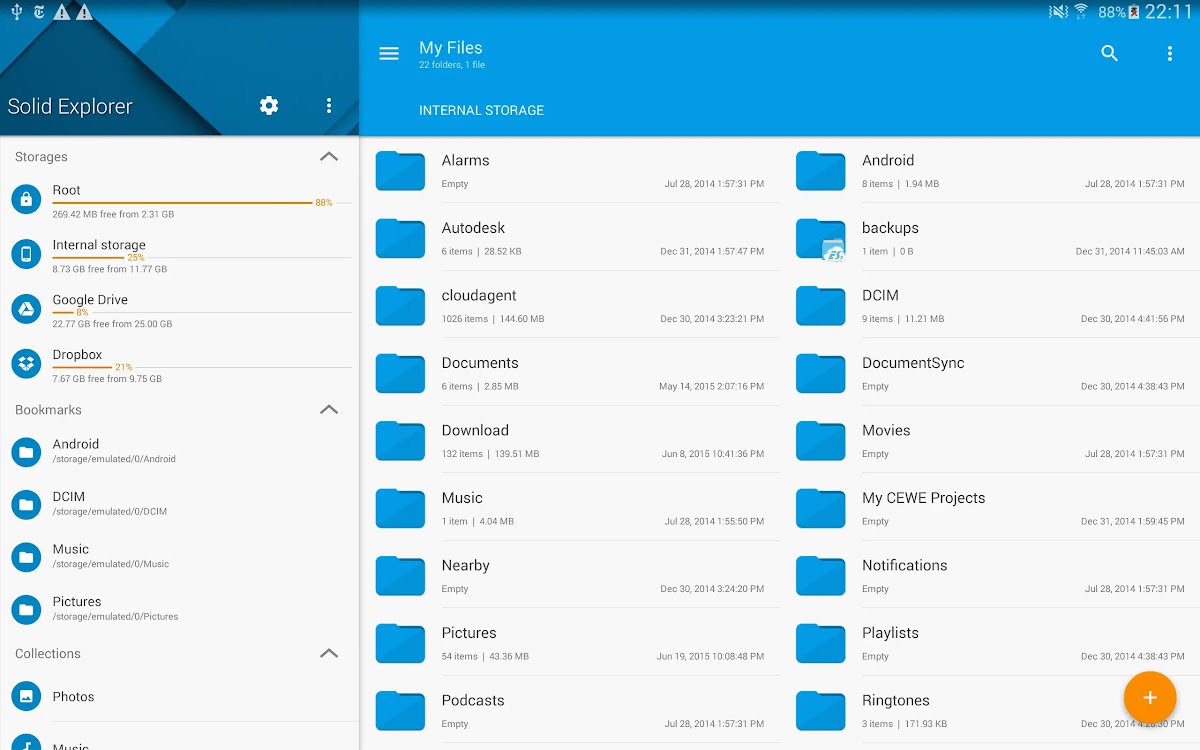
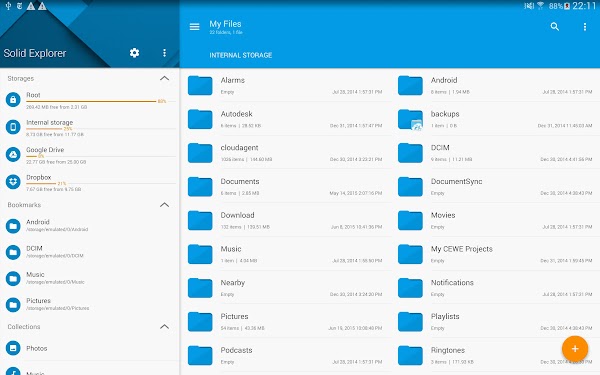
The dual panel interface displays two file locations simultaneously, which makes copying and moving files dramatically faster than single panel alternatives. Select files in the left panel and drag them to the right panel for immediate transfer without navigating between screens. This efficiency compounds over time when you perform numerous file management tasks.
Each panel operates independently with its own navigation history, search field, and sorting options. Jump between different directories in each panel without affecting the other, then synchronize operations across both. This flexibility enables complex file management workflows that would be tedious with single panel interfaces.
MOD APK Features
The standard version of Solid Explorer restricts certain features behind premium subscriptions. The MOD APK provides complete functionality:
- Two panel file management without limitation
- Cloud storage integration across multiple services without restriction
- Advanced search and filtering capabilities fully accessible
- FTP and SFTP support for remote server connections
- Archive extraction and creation without limits
- Detailed file properties and permissions viewing
- Batch operations for managing multiple files simultaneously
- Complete customization of interface appearance and behavior
File Organization and Management Capabilities
Solid Explorer handles every file type your device stores. Copy, move, delete, rename, and organize files across your device storage. Create custom folder structures that match how you actually use your files rather than accepting the default organization imposed by applications.
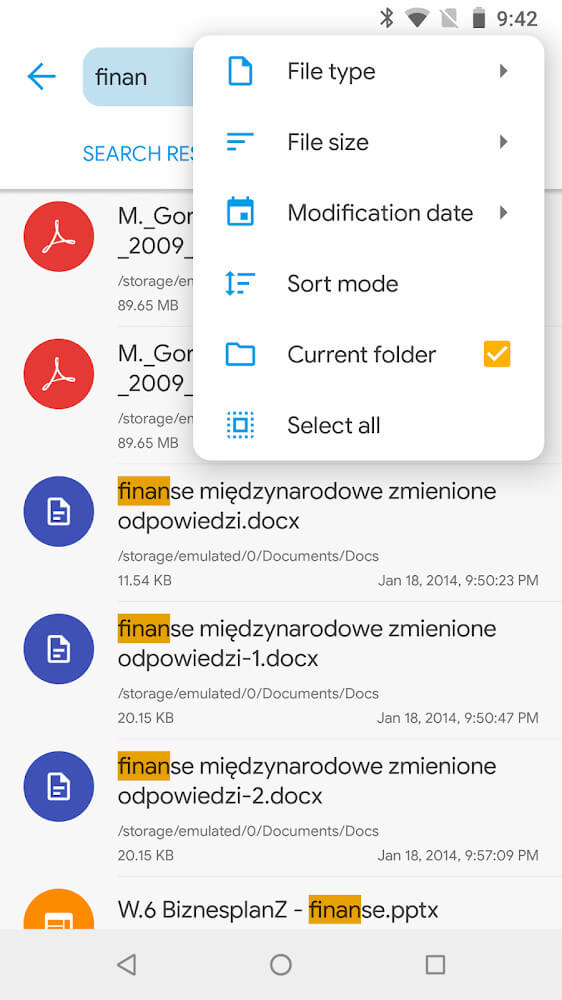
Search functionality finds files by name, date modified, file type, or file size. Complex search queries locate specific files buried in nested folders that you cannot remember the exact location of. Saved searches automate finding files matching specific criteria repeatedly.
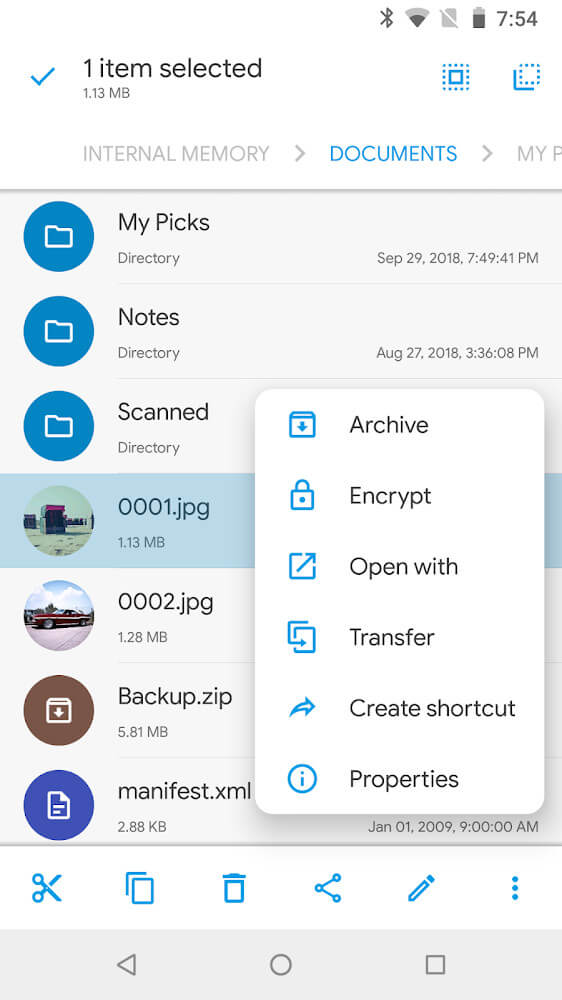
Batch operations let you select multiple files and perform actions on all of them simultaneously. Rename dozens of files at once using pattern matching. Copy entire folder structures preserving permissions and timestamps. Delete groups of files matching specific criteria in single operations rather than one by one.
Cloud Storage and Remote Access
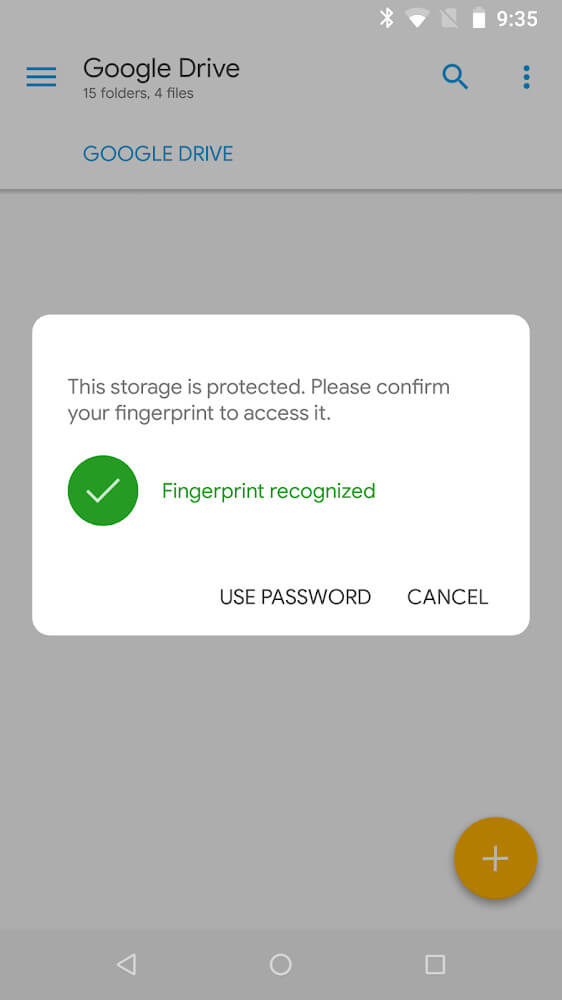
Solid Explorer integrates with major cloud storage services including Google Drive, Dropbox, OneDrive, and others. Access cloud files directly from the file manager without switching between different applications. Download files to your device or edit them online depending on your preference.
FTP and SFTP support lets you connect to remote servers and access files stored on computers or web servers. This transforms your device into a genuinely portable computer capable of managing files across multiple machines simultaneously.
Tips for File Management Efficiency
Create a logical folder structure early rather than letting files accumulate in default locations. Organization prevents spending hours searching for specific files later.
Use the search function to identify and remove duplicate files regularly. Duplicates accumulate without notice and consume storage rapidly.
Set up favorite locations for folders you access frequently. Quick access shortcuts reduce navigation time significantly when managing regularly used directories.
Compress large files before transferring across networks. Archive creation reduces file sizes substantially, which speeds up transfers and saves bandwidth.
Use detailed view mode when browsing folders containing mixed file types. Seeing file sizes and modification dates helps identify what files actually need to stay on your device.
Regular backups prevent catastrophic data loss from device damage or accidental deletion. Solid Explorer makes backing up important files to cloud storage or external drives straightforward.
Cloud Integration and Remote Work
Modern work increasingly requires accessing files from multiple devices. Solid Explorer's cloud integration lets you work with files on Google Drive, Dropbox, or OneDrive directly without downloading them first. Edit documents, view presentations, and manage projects from your phone just as easily as from a desktop computer.
Remote server access through FTP means you can manage web hosting files, access network attached storage, or connect to work servers directly from your Android device. This capability makes Solid Explorer genuinely useful for remote work scenarios beyond simple document management.
Common Technical Issues and Solutions
If the MOD APK fails to recognize cloud storage credentials, disconnect the account completely and reconnect it fresh through the app settings.
Permission errors when accessing certain directories are resolved by checking Android storage permissions in device settings and granting necessary access.
FTP connection timeouts are fixed by verifying correct server address and port information, then checking if the remote server is actually accessible.
If batch operations are running slowly, reducing the number of files selected per operation prevents system slowdowns on lower end devices.
FAQ
What is the difference between Solid Explorer and the default Android file manager? Solid Explorer provides significantly more control over files including permissions management, advanced search, cloud integration, and remote server access. The default manager is intentionally limited to prevent accidental device damage from inexperienced users.
Can you access files on external storage devices? Yes, if your device supports external storage access, Solid Explorer can manage files on SD cards and USB drives connected through adapters.
Is Solid Explorer safe for managing system files? The app allows modifying system files but doing so carelessly can cause device problems. Avoid changing system directories unless you understand exactly what you are doing.
How does Solid Explorer handle file permissions? The app shows detailed permission information and allows modifying permissions if your device authorization level permits it. This is advanced functionality requiring careful use.
Can multiple people use Solid Explorer on the same device? Each Android user account maintains separate access to the file manager. Files are managed within each user's personal directory structure.
Does Solid Explorer sync files automatically? The app does not sync files automatically but integrates with cloud services that provide automatic syncing. Manual sync operations are always available.
Conclusion
Solid Explorer fills a genuine gap in Android's file management ecosystem by providing professional grade file organization tools in a mobile friendly interface. The dual panel design, cloud integration, and advanced search capabilities make managing your device's files genuinely efficient rather than frustrating. The MOD APK removes the premium restrictions that normally gate these powerful features, giving you complete file management freedom without subscription costs or artificial limitations.
How to Install
1Download the APK file using the link above.
2Enable "Unknown Sources" in your device settings.
3Locate the file and click "Install".
4Enjoy the premium features for free!
Frequently Asked Questions
Is this MOD APK safe?
Yes, all files on our platform are scaned with premium antivirus software and manually verified before being uploaded.
How do I update the app?
To update, simply download the latest version from this page and install it over the old version.
Does it require root access?
Most of our MODs work on non-rooted devices unless specifically mentioned in the MOD Info section.
Ready to Experience?
Download the latest version of Solid Explorer File Manager Pro MOD APK. Fast, secure, and verified.
Related Apps
See all
InShot Pro

Alarmy

Money Lover - Money Manager

CamScanner

ZEDGE™

Terabox

SnapTube

CapCut

PhotoRoom
Was this MOD helpful?
Your feedback helps thousands of users access safe and working modifications daily!
Comments (0)
Leave a Comment
Synchronizing discussion...